
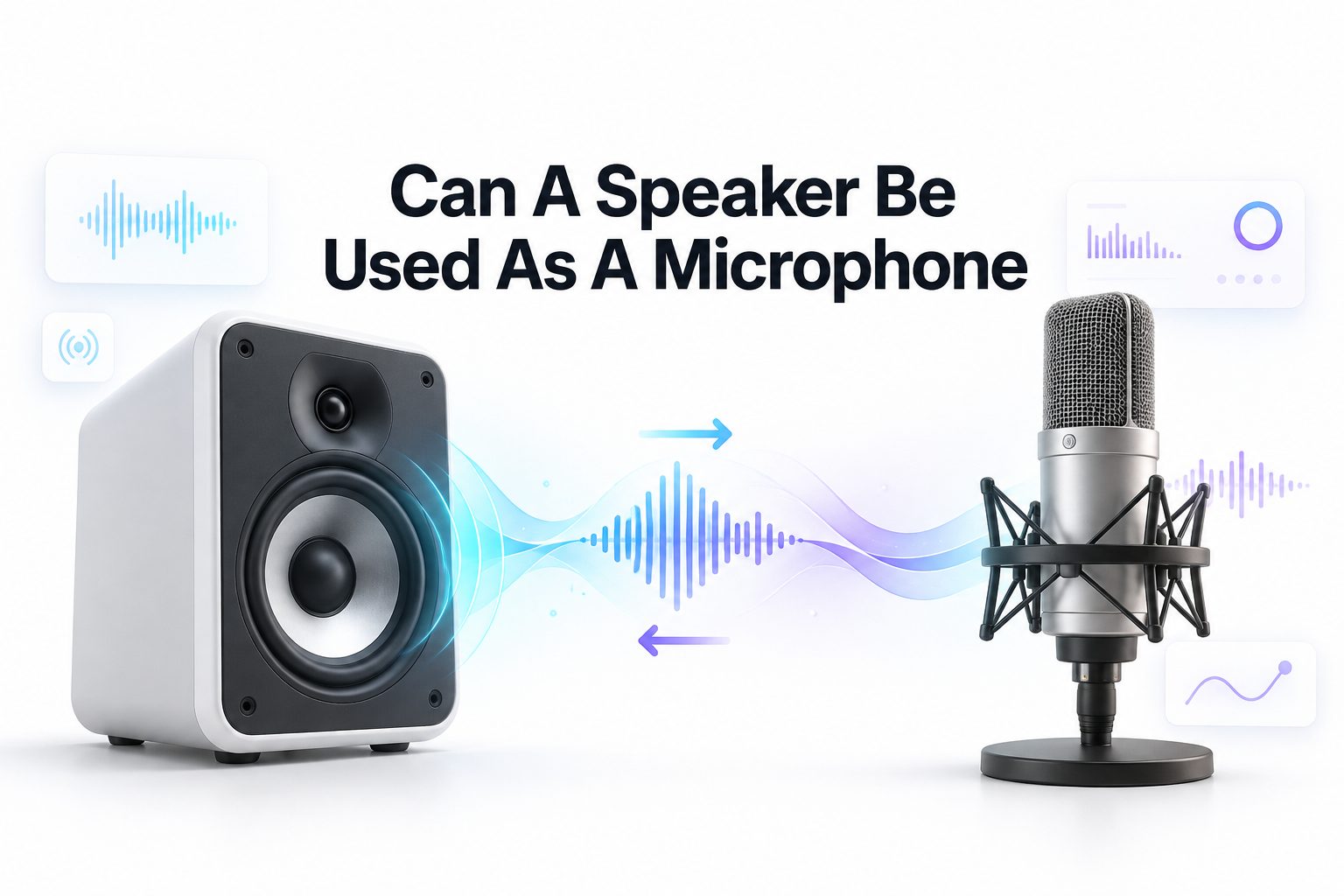
Can a speaker be used as a microphone? It sounds like a strange idea at first, but the answer is yes: in certain situations, a speaker can pick up sound and create a small electrical signal. This happens because speakers and microphones rely on closely related physical principles. A speaker converts electrical energy into movement, while a microphone converts movement into electrical energy.
That said, using a speaker as a microphone is rarely as simple as plugging it into a recording device. Sound quality, output level, connector type, and equipment safety all matter. A spare speaker may work for experiments, voice effects, or emergency communication, but it will not normally match a dedicated microphone. Knowing where this method works well and where it falls short helps you avoid poor audio, damaged inputs, and unnecessary frustration.
How Speakers and Microphones Use Similar Principles
A dynamic speaker contains a cone, voice coil, and magnet. When an audio signal reaches the coil, it moves within the magnetic field and pushes the cone. That motion creates pressure waves in the air, which people hear as sound. It is a practical electrical-to-mechanical conversion system.
A dynamic microphone uses the same relationship in reverse. Sound waves move a diaphragm attached to a coil, and the coil moves through a magnetic field. That movement generates a small voltage. Because a speaker also has a cone and coil, external sound can make it produce a signal.
Why the Reverse Connection Is Possible
The reversible nature of electromagnetic devices makes the concept possible. A speaker is designed to respond strongly to electrical current, but its moving parts can still react to loud nearby sound. When the cone vibrates, the voice coil produces a voltage that can be sent to an audio input.
This signal is usually weak and less detailed than a microphone signal. Large speaker cones are built to move substantial amounts of air, especially at lower frequencies. Microphone diaphragms are much lighter and more sensitive, allowing them to capture speech, instruments, and subtle sound changes with greater accuracy.
Important Facts Before Trying This Method
- A speaker can generate an audio signal when sound moves its cone.
- The signal level is often low, so a preamp may be necessary.
- Small speakers generally work better than large woofers for voice pickup.
- A line input is usually not sensitive enough for this purpose.
- Phantom power should not be sent to a speaker.
When a Speaker Can Work as a Microphone
A speaker can serve as a microphone for basic experiments, sound effects, intercom projects, or temporary troubleshooting. If a dedicated microphone is unavailable, a small passive speaker may pick up loud speech when positioned close to the source. Results improve when background noise is limited.
This approach can also create an intentionally rough, narrow-band sound. Producers sometimes use speaker-based pickup methods to add grit to vocals, guitar amplifiers, or lo-fi recordings. The imperfect frequency response can become a creative choice rather than a technical weakness.
Situations Where It Performs Poorly
A speaker is not a dependable substitute for recording interviews, podcasts, video narration, or professional music. It has limited sensitivity, uneven tonal balance, and weak high-frequency detail. Quiet voices may be difficult to capture unless they are very close to the cone.
It is also a poor choice for distant sound sources. A conventional microphone can be positioned several feet away and still record usable audio, depending on its pattern and sensitivity. A speaker used in reverse generally needs louder sound and close placement to produce a worthwhile signal.
Quick Use Checklist
- Choose a small passive speaker rather than a powered speaker.
- Keep the sound source close to the speaker cone.
- Connect it to a microphone preamp or high-gain audio interface input.
- Turn off phantom power before connecting anything.
- Begin with the input gain low, then raise it gradually.
- Monitor through headphones to check for hum, distortion, and noise.
Choosing the Right Type of Speaker
Not every speaker is equally suitable for microphone duty. Small drivers, such as compact full-range speakers or headphone-sized transducers, tend to respond better to midrange frequencies. Since speech sits mainly in the midrange, these smaller components often produce clearer results than large bass drivers.
Large woofers are more likely to emphasize low frequencies while losing clarity in consonants and upper vocal detail. They may produce a dull, boomy recording. Tweeters are generally unsuitable because they are fragile and designed for high frequencies, making them a risky choice for casual experiments.
Passive Speakers Versus Powered Speakers
A passive speaker has no built-in amplifier and connects directly through its speaker terminals. This makes it easier to use as a signal source, provided you use the correct cable and a suitable preamp. Its output remains modest, but the electrical path is straightforward.
Powered speakers contain an internal amplifier, power supply, and often signal-processing components. Their input terminals are not intended to act as a microphone output. Opening or modifying a powered speaker can introduce electrical hazards, so it is better to avoid using one for this purpose.
How to Connect a Speaker Safely
The safest setup uses a small passive speaker connected to a microphone preamp through an appropriate cable or adapter. The speaker’s two terminals carry a balanced or unbalanced low-level signal, depending on the wiring arrangement. Proper shielding helps reduce electrical interference and background hum.
Avoid connecting the speaker directly to an amplifier output. An amplifier sends power outward to drive a speaker, while the reversed speaker produces a delicate signal. Connecting two outputs together can damage equipment. For related cable advice, see our speaker wiring guide and audio connection basics.
Using an Audio Interface and Preamp
An audio interface with a dedicated microphone input is often the easiest option. Connect the speaker using an adapter appropriate for the interface, disable phantom power, and start with gain set low. Slowly increase the preamp gain while someone speaks near the speaker cone.
A standalone microphone preamp can provide more control over gain and noise. Some preamps offer enough clean amplification for this unusual signal source, while others may add noticeable hiss. Test the setup before recording anything important, especially if the speaker cable needs a custom connector.
Preventing Damage and Unwanted Noise
Phantom power is the main concern when connecting a speaker to microphone equipment. Many interfaces send 48 volts through XLR microphone inputs. Although some passive devices may tolerate it under certain wiring conditions, there is no reason to take the risk when it can be switched off.
Electrical noise is another common problem. Use short cables, keep the speaker away from power adapters, and avoid placing it next to computers or wireless routers. If the recording has a persistent buzz, try a different cable, input, or physical location before increasing gain further.
Practical Tips for Better Results
- Place the speaker on a stable surface to prevent handling noise.
- Aim the cone directly toward the voice or sound source.
- Record in a quieter room because high gain can reveal background noise.
- Use a pop filter or keep voices slightly off-axis to reduce air blasts.
- Apply gentle equalization after recording if the sound is too dark.
Creative Uses for a Speaker Microphone Setup
A reversed speaker can add character to a recording when clean sound is not the objective. For example, placing a small speaker near a guitar cabinet can capture a midrange-heavy layer that blends well beneath a conventional microphone track. It can make an amplified guitar sound more aggressive.
Voice recordings can also benefit from the unusual texture. A speaker-based recording may resemble a telephone, radio broadcast, or old public-address system. This can suit character dialogue, horror effects, retro music production, or transitions that need a deliberately limited sonic range.
Using It for Kick Drum Recording
Some engineers use a large speaker as a specialized kick drum microphone, often positioned near the front head of the drum. The speaker’s large cone responds strongly to low-frequency air movement and can capture weight that smaller microphones may not emphasize as heavily.
This technique works best as a second source rather than the only drum microphone. Blend the speaker signal with a standard kick drum mic to retain attack, definition, and upper-frequency detail. Commercial speaker-style kick microphones are built specifically for this task and offer more predictable performance.
Home Experiments and Educational Projects
For students and hobbyists, reversing a speaker is a useful way to demonstrate electromagnetic induction. It shows that sound is vibration, vibration can move a coil, and a moving coil can create electrical energy. The experiment makes audio technology easier to visualize.
Keep the project low-risk by using inexpensive passive components and battery-powered recording equipment where possible. Do not disassemble mains-powered speakers or connect unknown wires to powered audio gear. A simple setup with a spare speaker and an audio recorder is enough to demonstrate the principle.
Key Benefits of Testing the Idea
- It provides a hands-on lesson in basic audio engineering.
- It can create unusual textures without expensive effects processors.
- It gives a spare passive speaker a temporary practical role.
- It helps identify the difference between signal level and sound quality.
- It may be useful as a backup experiment when standard equipment is unavailable.
Sound Quality Expectations
Expect a speaker microphone recording to sound darker, quieter, and less detailed than a standard vocal microphone. High frequencies often drop off early, making speech less crisp. The result may still be usable when the source is loud and close, especially after careful gain adjustment.
Equalization can improve intelligibility by reducing excessive low end and gently boosting upper midrange frequencies. Noise reduction may help if the preamp introduces hiss. However, editing cannot fully restore frequencies that the speaker never captured, so good placement remains the most important factor.
Frequency Response and Sensitivity Limits
Dedicated microphones are designed around specific recording needs. A vocal microphone may boost presence frequencies, while a studio condenser may capture a broad range of detail. Speakers are designed for playback, so their response priorities are different and usually less suitable for sound capture.
Sensitivity is equally important. A microphone can turn quiet vibrations into a usable signal, while a speaker typically needs stronger acoustic energy. Raising preamp gain compensates only partly because it also amplifies room noise, cable interference, and the natural noise floor of the equipment.
A Better Alternative for Most Recordings
If you need reliable speech recording, even an affordable dynamic microphone will usually outperform a reversed speaker. It offers a more practical connector format, predictable sound, better gain handling, and a shape designed for placement near voices, instruments, or amplifiers.
For video calls or casual narration, a USB microphone or headset microphone is usually the simplest solution. If you are choosing between microphone types, our guide to dynamic and condenser microphones can help match the equipment to your room, source, and recording goals.
Conclusion
A speaker and a microphone share enough underlying physics that one can sometimes perform the other’s job in reverse. A small passive speaker can pick up loud nearby sound, create a low-level electrical signal, and produce an interesting recording when connected safely to a suitable preamp. It is especially useful for experiments, educational demonstrations, and deliberately gritty audio effects.
For serious communication or polished recording, a dedicated microphone remains the better tool. It captures more detail, handles quiet sources more effectively, and connects to modern audio equipment with fewer compromises. Still, the answer to can a speaker be used as a microphone is genuinely yes, provided you keep expectations realistic, disable phantom power, and treat the setup as a creative or temporary solution rather than a permanent replacement.
Frequently Asked Questions
Can any speaker work as a microphone?
Most passive dynamic speakers can generate some signal when their cone moves, but results vary widely. Small full-range speakers tend to work better for speech. Powered speakers and delicate tweeters are poor choices because they may be unsafe or easily damaged.
Does a speaker microphone need a preamp?
Usually, yes. A reversed speaker produces a weak signal that often requires substantial gain. A microphone preamp or audio interface microphone input is more suitable than a line input, which expects a much stronger audio signal.
Can phantom power damage a speaker?
Phantom power should be turned off before connecting a speaker to an XLR microphone input. Even if a particular setup might survive it, sending 48 volts to an improvised speaker microphone setup creates unnecessary risk and can cause unwanted behavior.
Can a speaker record vocals clearly?
It can record vocals, but clarity is usually limited. The sound may be dark, quiet, and lacking in high-frequency detail. Keep the speaker close to the mouth, use a clean preamp, and treat the result as a special effect.
Why do engineers use speakers on kick drums?
Large speaker cones respond well to low-frequency air movement from a kick drum. Engineers may blend that signal with a standard kick microphone to add depth and weight while preserving the attack and definition of the drum.
0 Comments